Installing the Advanced Logic Modules to a Niagara Platform
Installing the Advanced Logic Modules to a Niagara Platform
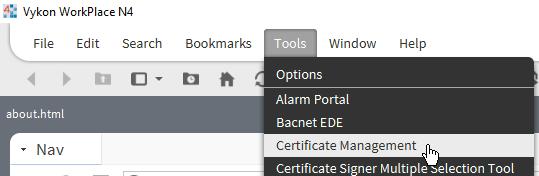
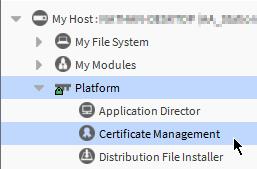
1. Install the provided certificate into the User Trust Store of both the Workbench (or other brand flavours) and the local (if installing on a local station) and/or remote (if installing on a controller or remote station) platform certificate managers.
2. Copy the freebirdLicensing-rt.jar and other purchased modules to your Niagara modules directory (e.g. C:\Niagara\Niagara-4.10.0.154\modules) and restart Workbench and any running stations.
3. If you are installing on a remote station, connect to the platform and use the Software Manager to install
a. FreebirdLicensing-rt.jar
b. AdvancedLogic-rt.jar
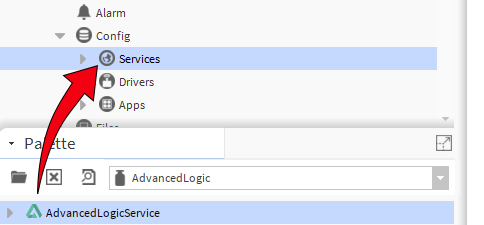
4. Connect to the local or remote station and open the AdvancedLogic palette then add the Service to the Station Services
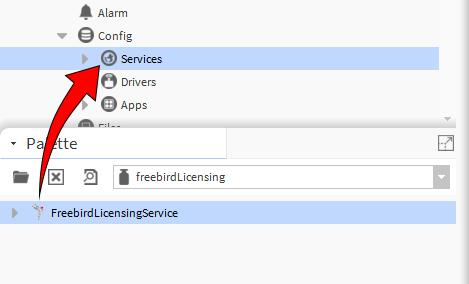
5. Open the FreebirdLicensing palette then add the Service to the Station Services
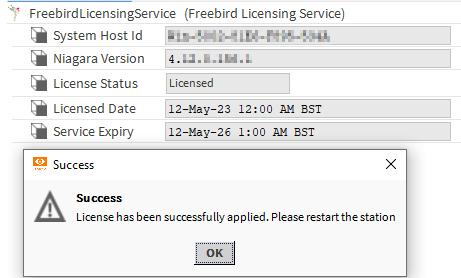
6. Right click the FreebirdLicensingService in the station and go to Actions>Update License. In the popup paste the provided license key then click ok.
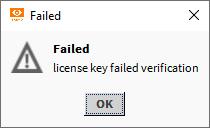
7. If the license has applied successfully then restart the station. If it has failed then verify that the correct license key has been used.
8. If you have checked that you are using the correct license and it is still not validating contact Freebird for support.
Installing the Advanced Logic Macros
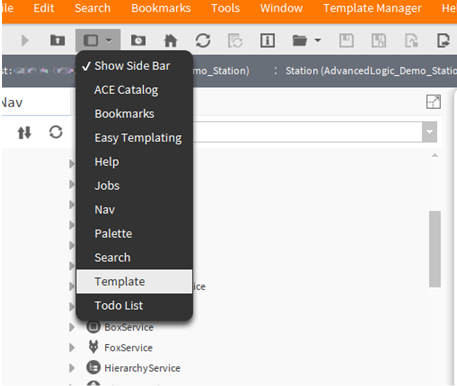
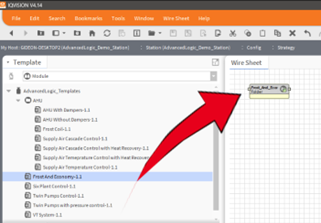
9.Select the “Template” side bar
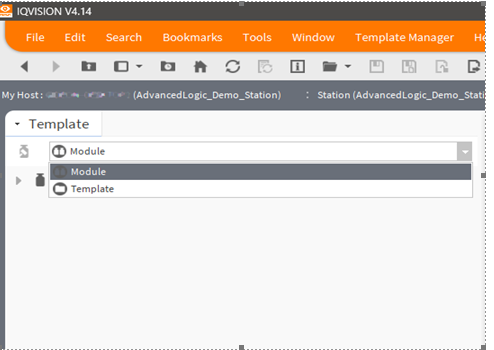
10. From there, Drop-down the options and select “Module”
11. Drag and Drop the required Macro template.
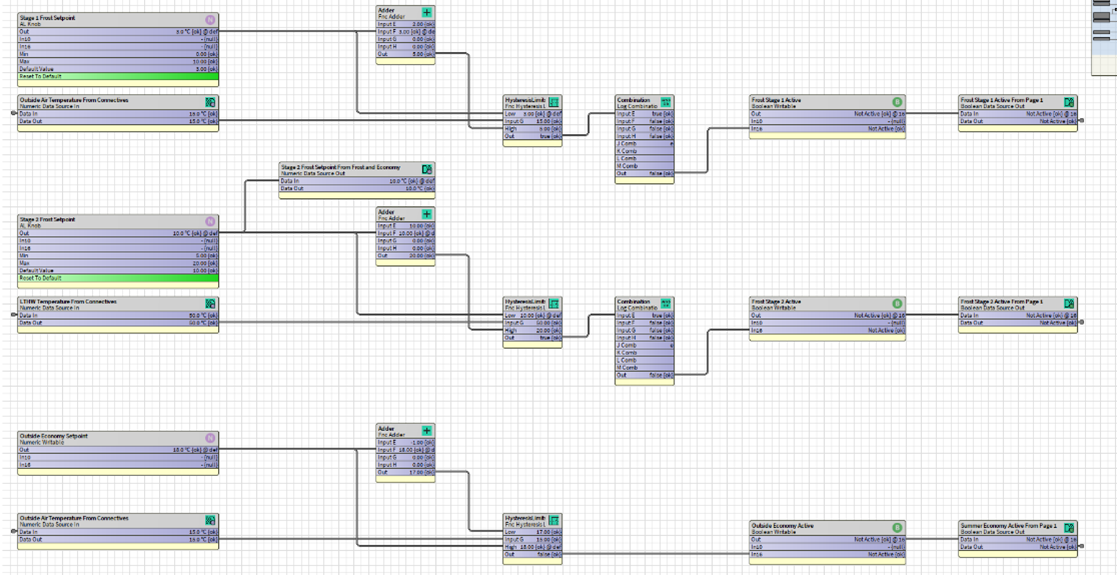
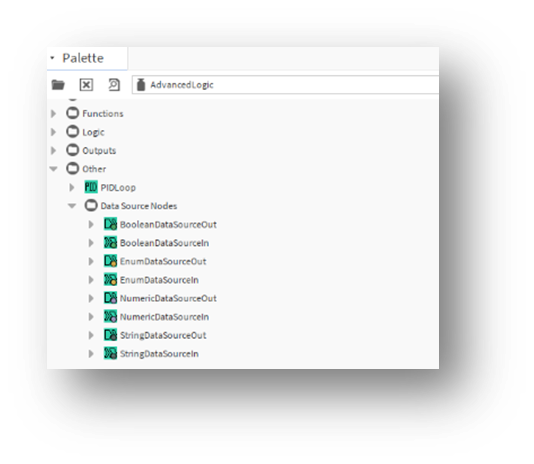
Use the Macro in your own strategy, “Link-Marking” in and out as required. For convenience, and to aid in housekeeping, we have created a “Data source in and out” array in the Advanced Logic Palette emulating the Connective nodes in Trend.
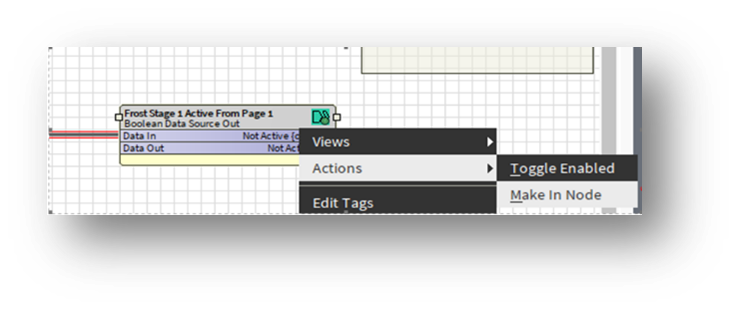
12. To create a duplicate node that retains a dynamic “updateable” label and State/Value of the source: Right-click>Action>“Make In-Node”, and then copy that newly created module to wherever you need require the source State/Value in your strategy. It will remain linked to the module it has been created from. If you change the donor module name, when a value changes, and is passed through the node all the subordinate nodes names update to match. This means no need to rename slots anymore